



Browsing Category
Operating Systems
21 posts
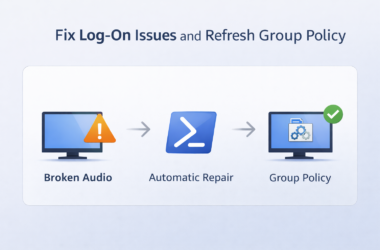
Fix Windows Log-On Issues by Repairing Critical Services and Forcing Group Policy
Windows log-on problems are often caused by important background services being disabled or stuck. When this happens, users…


Fix Windows Audio & Chrome Call Issues with One PowerShell Script
If you support users who rely on headsets for Teams, Zoom or browser-based call systems, you will know…
Rufus: The Ultimate Tool for Creating Bootable USB Drives
Introduction When you need to install an operating system, run diagnostics, or boot into a recovery environment, a…

WinDirStat vs TreeSize: Which Is the Better Disk Space Tool?
When your hard drive starts filling up, one of the first questions that comes to mind is: “Where…
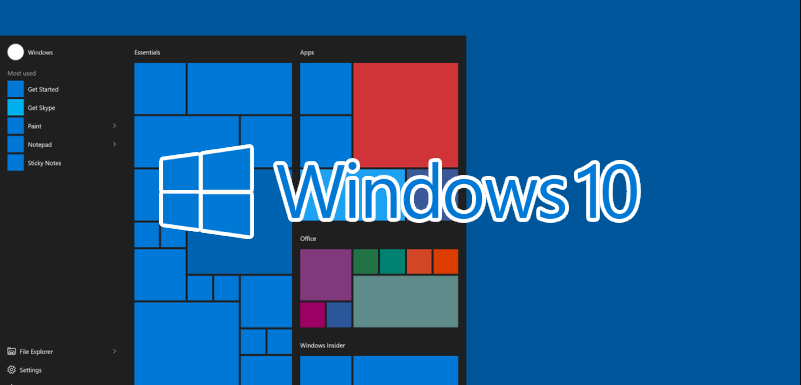
List of ms-settings URI commands to open specific settings in Windows 10
How to use the URI commands Here some different examples for using ms-setting commands: Press Win+R to open…
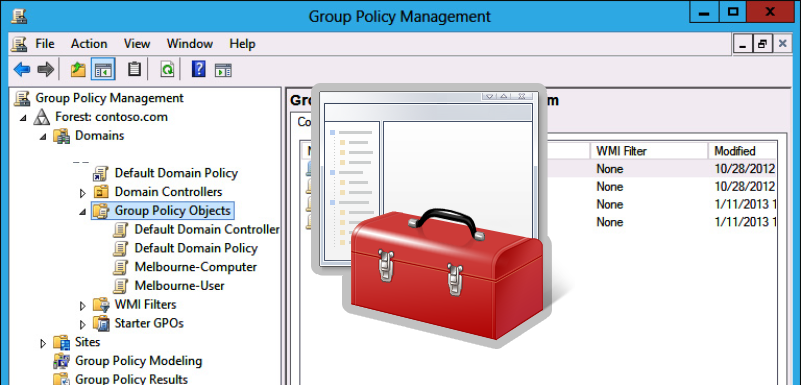
Installing Software (MSI Packages) Using Group Policy
In this article, we will show how to install software on user computers in an Active Directory domain using GPO.The built-in Windows GPO features allow you to deploy programs that are only distributed as MSI or ZAP packages. Other types of apps you will have to install in alternative ways: using SCCM, via GPO logon
Copy Files and Folders to User Computers via GPO
You can use Group Policies to copy specific files and folders to user computers in the Active Directory domain. You can place files on the Desktop, in a particular user profile directory, or in any other folder on a local drive. With GPO, you can automatically copy and update various configuration files, INI files, app
How to do Drive Mapping in Windows – All Options Explained
Even though we store more and more data in the cloud, drive mapping is still a common practice these days. Network drive mapping lets you easily access files and folders stored on network drives and servers. Drive mapping can be done with a Group Policy (GPO), PowerShell, and manually in Windows. The advantage of mapping

How to Rename an Active Directory User with Active Directory Console?
You can rename user accounts in Active Directory in several ways. You can use AD graphical snap-ins, command-line tools, or PowerShell cmdlets. How to Rename an Active Directory User with Active Directory Console? The easiest and most intuitive way to rename an AD user is to use the Active Directory Users and Computers snap-in (ADUC).
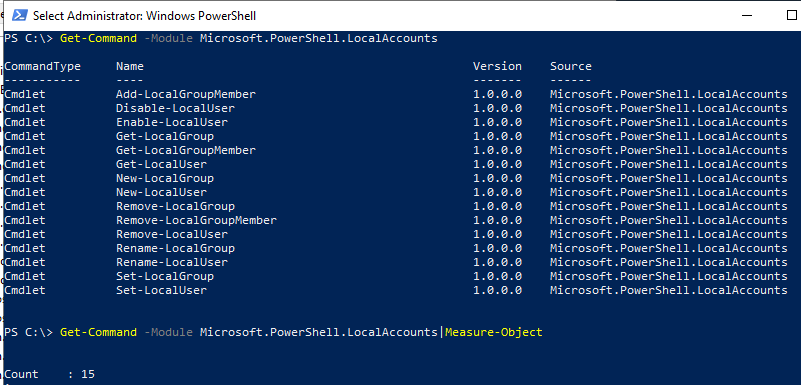
Auto Run PowerShell Script with Task Scheduler
Automation is king in today’s dynamic IT environments. Running PowerShell scripts with Task Scheduler is a vital skill set, particularly beneficial for system administrators to automate repetitive tasks and bolster efficiency with Windows Servers and clients. What is Task Scheduler? Task Scheduler is a built-in tool within the Microsoft Windows environment designed to simplify the