



Browsing Category
Windows Server
14 posts
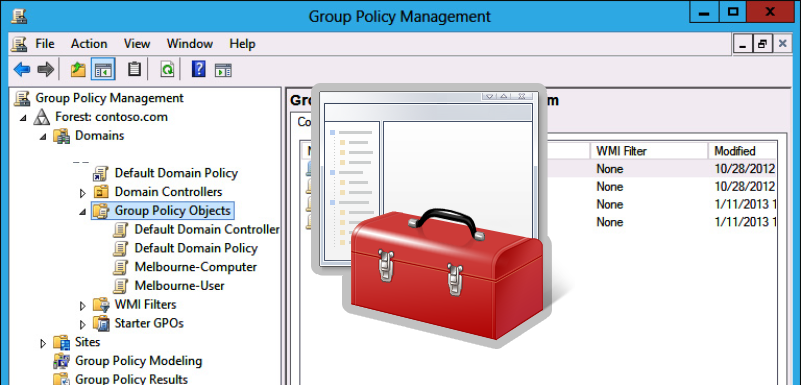
How to Disable or Enable USB Drives using Group Policy
When you connect a new USB device to your computer, Windows automatically detects the device and installs the appropriate driver. As a result, the user can use the connected USB drive or device almost immediately. If your organization’s security policy prohibits the use of portable USB storage devices (flash drives, USB hard drives, SD cards

PowerShell Startup Scripts Using GPO
Windows Group Policy allows you to run various script files at a computer startup/shutdown or during user logon/logoff. You can use GPOs not only to run classic batch logon scripts on domain computers (.bat, .cmd, .vbs), but also to execute PowerShell scripts (.ps1) during Startup/Shutdown/Logon/Logoff.In modern versions of Windows, you can directly run logon/logoff PowerShell
How To Fix Error: There are Currently No Logon Servers Available
When a user logs on to a Windows computer that is joined to an Active Directory domain, they may see the following error message:There are currently no logon servers available to service the logon request.This message says that none of the AD domain controllers (LogonServer) is available from this computer to authenticate the user. The
Deploy Scheduled Task Using GPO
You can use the Group Policy to create and deploy scheduled tasks to domain computers. For example, you can create a task that automatically logs out users or shuts down computers at a specified time, runs a script, etc.In this example, we will create a new Scheduler task that displays a pop-up notification and distribute