



Browsing Category
Group Policy (GPO)
8 posts
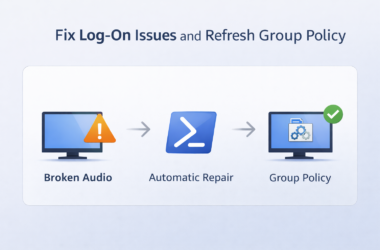
Fix Windows Log-On Issues by Repairing Critical Services and Forcing Group Policy
Windows log-on problems are often caused by important background services being disabled or stuck. When this happens, users…

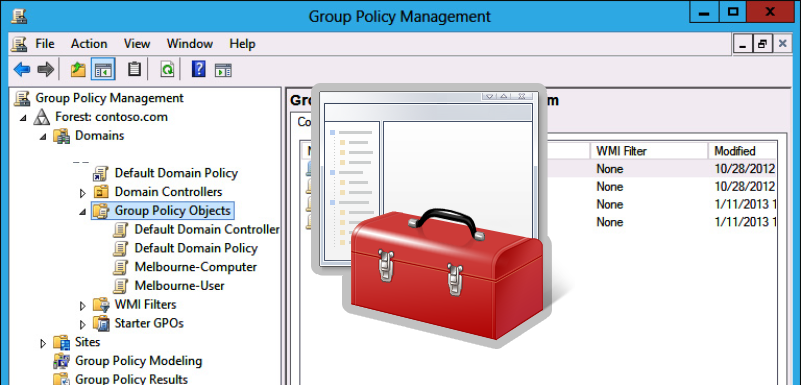
Installing Software (MSI Packages) Using Group Policy
In this article, we will show how to install software on user computers in an Active Directory domain using GPO.The built-in Windows GPO features allow you to deploy programs that are only distributed as MSI or ZAP packages. Other types of apps you will have to install in alternative ways: using SCCM, via GPO logon
Copy Files and Folders to User Computers via GPO
You can use Group Policies to copy specific files and folders to user computers in the Active Directory domain. You can place files on the Desktop, in a particular user profile directory, or in any other folder on a local drive. With GPO, you can automatically copy and update various configuration files, INI files, app
How to do Drive Mapping in Windows – All Options Explained
Even though we store more and more data in the cloud, drive mapping is still a common practice these days. Network drive mapping lets you easily access files and folders stored on network drives and servers. Drive mapping can be done with a Group Policy (GPO), PowerShell, and manually in Windows. The advantage of mapping
How to Set Proxy Settings via Group Policy?
The article shows how to use Active Directory Group Policies (GPOs) to configure proxy server settings on domain-joined computers running Windows 10/11 and Windows Server 2022/2019/2016/2012R2. These proxy server settings are used by all modern browsers, including Internet Explorer 11 (reached end of support on June 2022), Google Chrome, Microsoft Edge, Opera, and Mozilla Firefox
How to Add Domain Users to the Local Administrators Group in Windows
In order to grant local administrator permissions on domain computers to technical support personnel, the HelpDesk team, certain users, and other privileged accounts, you must add the necessary Active Directory users or groups to the local Administrators group on servers or workstations. In this article, we’ll show you how to manage members of the local
How to Disable or Enable USB Drives using Group Policy
When you connect a new USB device to your computer, Windows automatically detects the device and installs the appropriate driver. As a result, the user can use the connected USB drive or device almost immediately. If your organization’s security policy prohibits the use of portable USB storage devices (flash drives, USB hard drives, SD cards
PowerShell Startup Scripts Using GPO
Windows Group Policy allows you to run various script files at a computer startup/shutdown or during user logon/logoff. You can use GPOs not only to run classic batch logon scripts on domain computers (.bat, .cmd, .vbs), but also to execute PowerShell scripts (.ps1) during Startup/Shutdown/Logon/Logoff.In modern versions of Windows, you can directly run logon/logoff PowerShell