


Browsing Category
Windows 10
15 posts
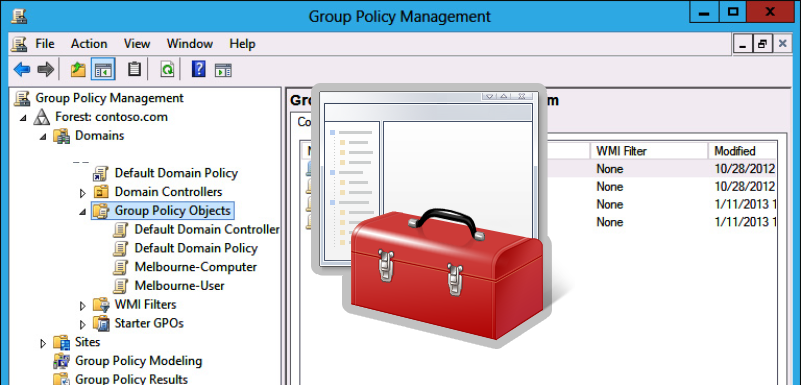
How to Disable or Enable USB Drives using Group Policy
When you connect a new USB device to your computer, Windows automatically detects the device and installs the appropriate driver. As a result, the user can use the connected USB drive or device almost immediately. If your organization’s security policy prohibits the use of portable USB storage devices (flash drives, USB hard drives, SD cards

How To Fix Start Menu or Taskbar Search Not Working in Windows 10/11
The Start Menu search feature is used more often in Windows 10 and 11 than in previous OS versions. You can use Windows Start Menu search to quickly find an app, file, setting item, system feature, or even to search the Web. However, in some cases, Windows search may stop working. When you try to
How To Fix Error: There are Currently No Logon Servers Available
When a user logs on to a Windows computer that is joined to an Active Directory domain, they may see the following error message:There are currently no logon servers available to service the logon request.This message says that none of the AD domain controllers (LogonServer) is available from this computer to authenticate the user. The
Delete Old User Profiles in Windows
Administrators should occasionally delete old user profiles (retired or inactive users, etc.) from C:Users on Windows workstations and servers. The Windows user profile cleanup task is most commonly performed on Remote Desktop Services (RDS) terminal servers.The main problem with RDS servers is the constant growth in the size of the user profile directories on the
Automating Local Administrator Password Changes on Windows Machines with PowerShell
Table of Contents Introduction PowerShell is a powerful scripting language that can be used to automate various tasks,…